Editing and Placements
Part of UGC for ecommerce product pages
Choosing demonstration clips for a product gallery
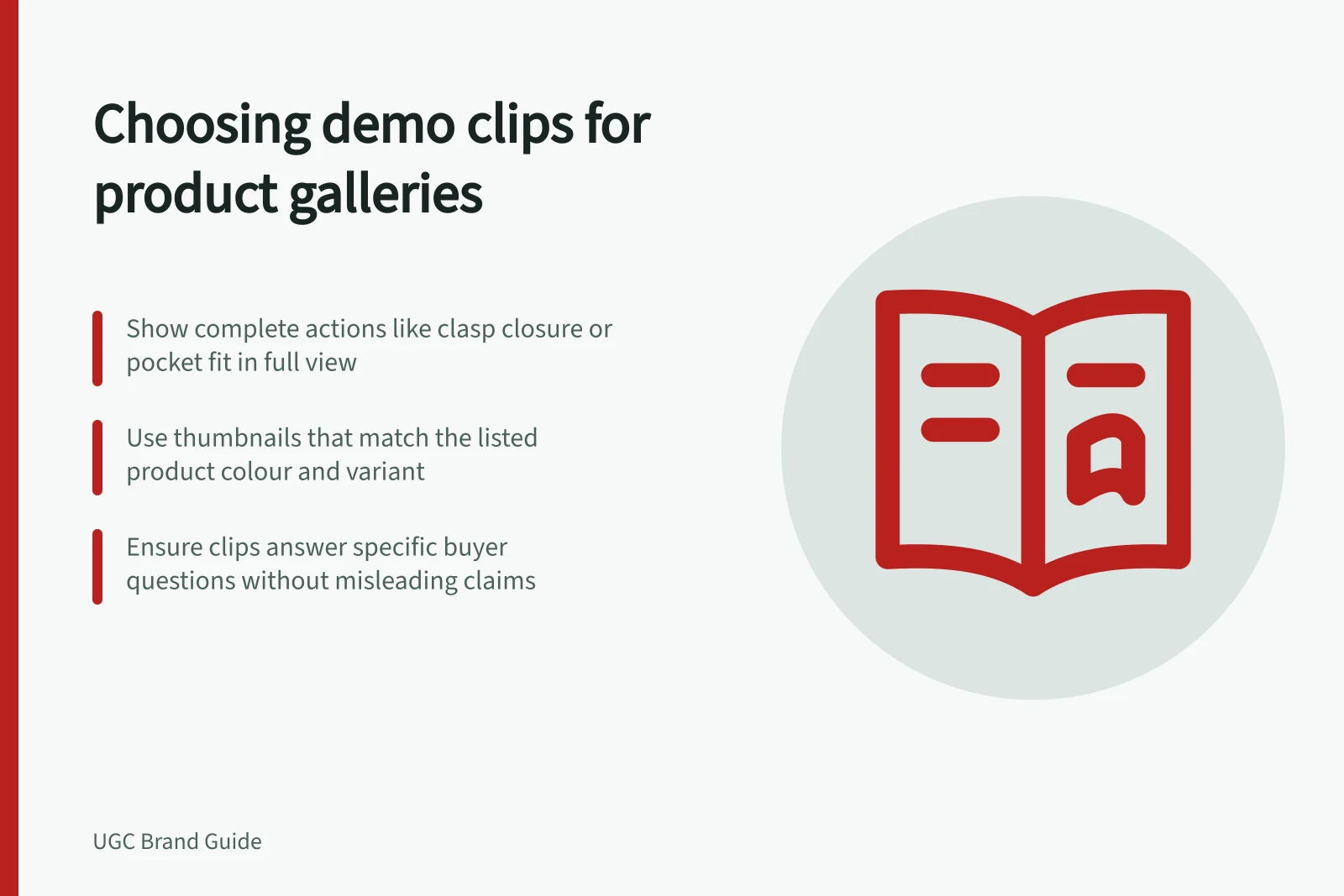
Select product-gallery clips that show a complete action, match the listed variant and remain clear in the actual mobile gallery.
Choose a gallery demonstration clip for the product detail it lets a shopper inspect. Start with the question the still images leave open, then select a complete sequence that answers it without unnecessary footage. A polished montage is a poor choice if it cuts across the movement the shopper needs to see.
Shortlist by what the footage shows
For each candidate, write a question: “How does the clasp close?” or “What fits in the side pocket?” Play the file without its title. If the answer is unclear, a better thumbnail or caption may help viewers find the relevant moment, but neither can replace missing footage.
- Product identity:The model or relevant variant is visible.
- Complete action:The important step remains on screen from setup to result.
- Useful context:A close-up shows where the detail sits on the whole product.
- Claim limit:Speech and captions do not promise more than the filmed action establishes.
A close shot may show a zip moving smoothly. It cannot show what fits inside a bag unless the items and compartment are visible too. Keep a clip for the question it answers.
Decide what earns a gallery slot
Preserve clear stills of the full item, key variants and included components. Add a clip where motion conveys information those stills cannot. If two clips show the same opening action, choose the clearer one unless the second answers a different question.
The thumbnail is part of this decision. It should give a fair preview of the product or action. A thumbnail showing a different colour or accessory can confuse shoppers even if the video later shows the listed item. Check it beside the product title and variant selector.
| Candidate clip | Gallery decision |
|---|---|
| Complete latch action on the listed model | Consider it if the action answers a buyer question and remains legible on a phone. |
| Fast lifestyle montage with no visible setup | Use it for another purpose if suitable; it does not answer a setup question. |
| One-size fit demonstration on a page with several sizes | Label the filmed size and avoid implying the result applies to all sizes. |
These are selection examples, not results from tested assets. The ACCC can require businesses to back up claims they make about their products or services.
Inspect the page presentation
Preview the candidate in the intended gallery on a phone. Check whether the player crops the product, controls cover the key movement and captions remain readable.
Where speech or meaningful sound explains the action, captions should convey it accurately. Make essential visual detail available to people who cannot see the video through an appropriate description or equivalent text.
Check the store’s media requirements before approving an export. Confirm that the platform and theme support the chosen video file and how it appears in the gallery.
Record the question answered, exact file, filmed variant, thumbnail and gallery position. Revisit the choice if the listed product or page changes.
Key considerations when inspecting page presentation
- Mobile preview checkEnsure the video remains legible and unobscured on mobile devices.
- Caption readabilityCaptions must remain readable even when player controls are active.
- Accessibility requirementEssential visual details must be available via text description for people who cannot see the video.
- Platform compatibilityConfirm the chosen video file is supported by the store’s theme and platform.