Editing and Placements
Choosing UGC deliverables for a product page
Choose product-page UGC by buyer question, file requirements, platform fit and accurate product representation.
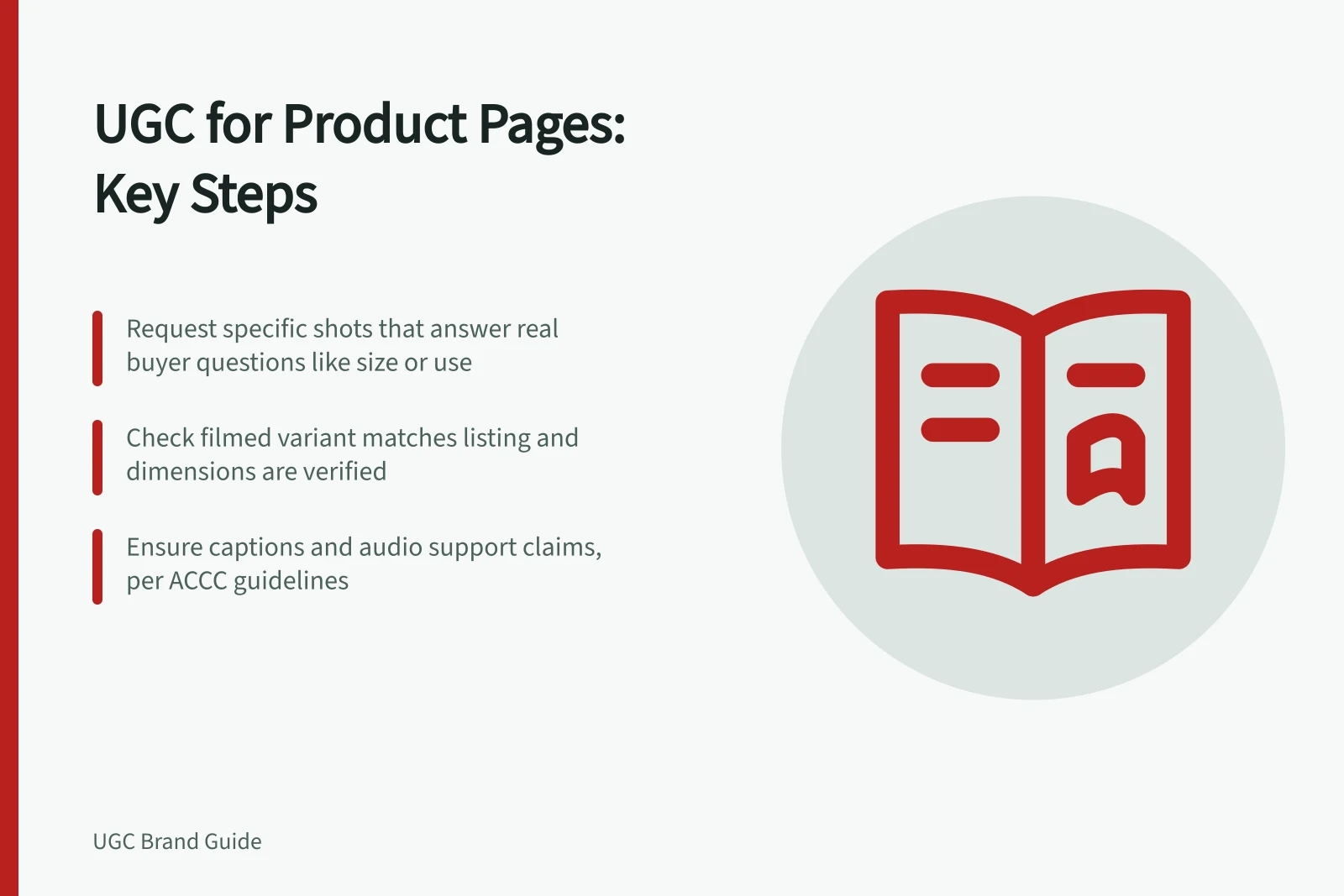
Commission product-page UGC around a purchase question the existing media does not answer clearly. Request a specific shot, cut or image that answers it, then check whether the store can display the file. A generic bundle may add little to the page.
Match each deliverable to a question
A buyer looking at a bag may want to see what fits inside, how the strap adjusts or how it sits against a person. These are different filming tasks. Choose the question that matters for the product and describe an observable result.
| Buyer question | Deliverable to request | What to check |
|---|---|---|
| What size is it? | A full-item shot of the exact variant with a useful scale reference | The filmed variant matches the listing; any stated dimensions are verified |
| How is it used? | A complete action from setup to result | The edit does not hide a required step or accessory |
| What does a detail look like? | A steady close-up with enough wider context to locate it | The detail remains visible on a phone |
These are options, not a required set for every page. Keep clear standard product imagery where it serves the buyer. A creator asset should add information rather than replace the only unobstructed view of the item.
Order files the page can use
Give the creator the exact model, colour or size, the intended page and the media area under consideration. Request a clean export and, if needed, a thumbnail or still.
Where meaningful information is spoken or conveyed through sound, arrange captions in a form the page can display. W3C guidance says captions for prerecorded audio content include dialogue, identify speakers and include meaningful non-speech information conveyed through sound.
Check the store’s current media rules before specifying exports. Shopify’s product-media documentation notes that a theme must support video display; another store system or theme may behave differently.
Request source footage only if the team expects to make later crops or versions, and include that requirement in the order. A social-media download should not be assumed to provide the clean file needed for a product page. Check that the agreement covers website display and planned edits.
Review the asset beside the listing
Preview the delivered asset in the intended page template at phone size. Compare it with the product title, variant selector, specifications and included accessories. A clip of one size should not imply how every size fits.
Voiceover, captions and thumbnails can also make product claims. Australian consumer guidance notes that the ACCC can require businesses to back up claims they make about their products or services.
Record the filename, filmed variant, question answered and approved page use. If the asset does not answer the selected question, revise it or choose another. Page placement and engagement measurement are separate decisions.