Editing and Placements
Part of UGC for ecommerce product pages
Measuring product-page engagement with UGC
Define UGC impressions, plays and commerce outcomes on product pages, validate tracking and interpret results without overstating causation.
Measure product-page UGC by recording who had a chance to see it, who interacted with it and what those shoppers did next. Define each event and denominator before reading a dashboard. A high play rate can show interest in a clip; it cannot alone show that the clip improved understanding or sales.
Define the decision before the event
Start with a question the result could change. Should a setup clip stay beside the variant selector, move into the gallery or be replaced with a clearer explanation?
Choose a primary outcome suited to that decision, such as the rate of setup enquiries among relevant orders or basket additions among eligible product-page visits. Plays and completions are useful diagnostic measures, but neither directly measures understanding.
Record the product, variant, page version, asset ID and position. Otherwise, a report may combine a clip about one size with visits to another, or compare a new video with a page that changed in several other ways.
Build an event map
| Event or measure | Meaning to define | Common ambiguity |
|---|---|---|
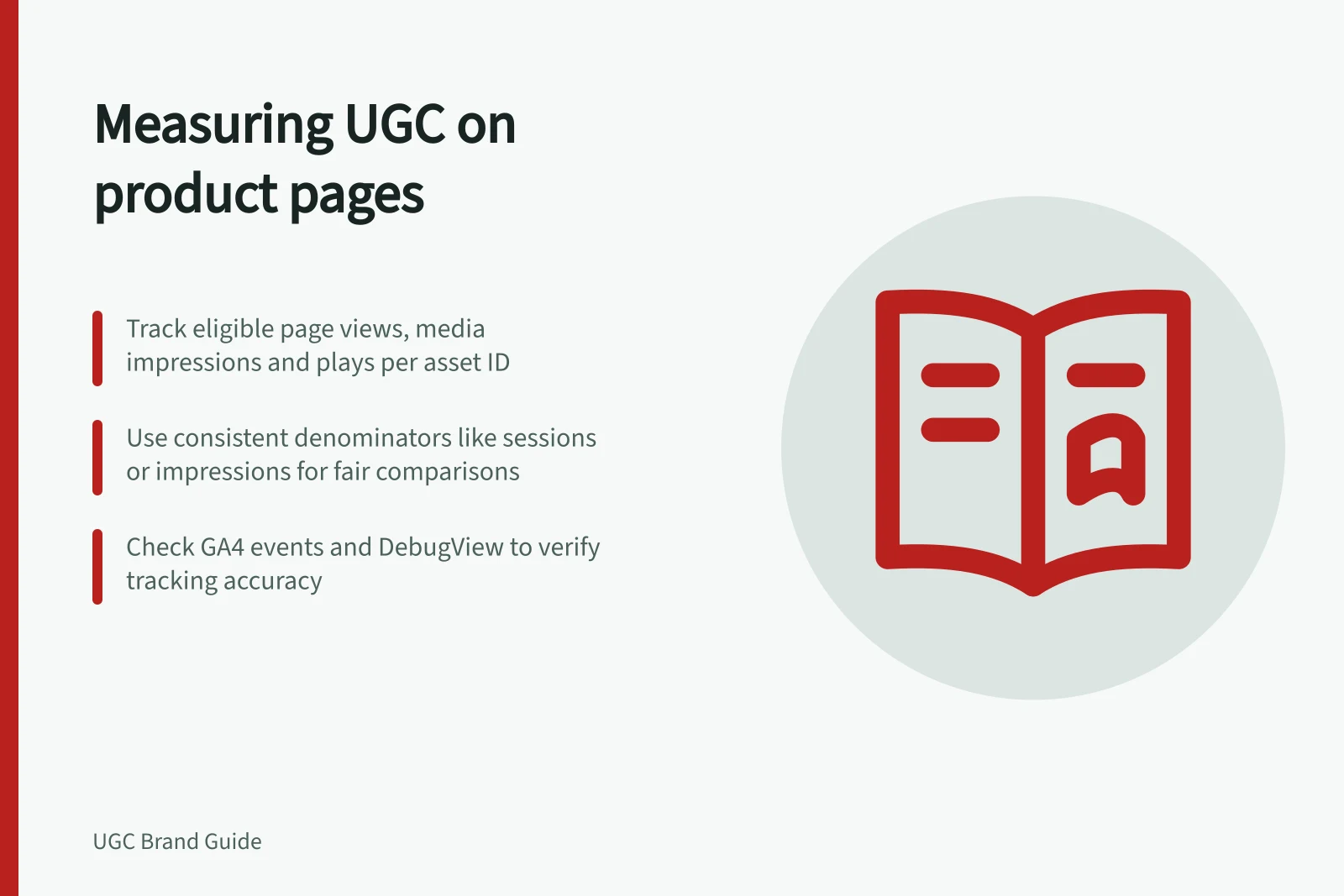
| Eligible page view | A product-page view on which the UGC was available | A page view does not prove the media entered the viewport. |
| Media impression | Media became visible under a stated rule | The visibility rule depends on the implementation. |
| Play | Playback began | Separate autoplay from a deliberate tap if both occur. |
| Progress or completion | Playback passed a stated point or ended | A loop, seek or replay can complicate counts. |
| Basket addition or purchase | A later commerce action | It does not prove the UGC caused the action. |
Decide whether each rate uses users, sessions, eligible page views or media impressions. Keep the denominator consistent when comparing like measures. A play rate per all page views answers a different question from a play rate per visible impression, particularly when the clip is farther down the page.
Check what the analytics system collects
GA4 ecommerce events include view_item, add_to_cart and purchase, but a site must implement them correctly.
Do not assume they capture a native product-gallery player. If the site needs gallery visibility or play events, check whether an existing event covers the action before defining a custom one. Use consistent parameters for product, variant, asset and position.
Before using a report, trigger a proposed interaction in a suitable test or preview environment and check that the event and intended identifiers arrive as expected. Use DebugView to inspect received ecommerce events and parameters.
Key Tracking Considerations for GA4 Ecommerce Events
- GA4 Events
- `view_item`, `add_to_cart`, `purchase`
- Implementation Required
- Must be correctly implemented on site
- Visibility Events
- Check if existing events cover gallery visibility or play actions
- Debugging Tool
- Use DebugView to inspect received events and parameters
Interpret results cautiously
Compare like with like: product, variant, traffic source, stock state and page layout. Note price or promotional changes. Shoppers who choose to play a clip may already be more interested, so a higher purchase rate among players does not show that watching caused the purchase.
When a placement decision warrants a controlled comparison, agree on the primary outcome and allocation method in advance. Keep other page changes limited where practical and check tracking in both versions. A small or uneven sample may be inconclusive.
Report observed counts and conditions rather than a universal conversion claim.
Use customer questions alongside events. If shoppers still ask what the clip should explain, inspect its footage, thumbnail and position. If few eligible shoppers encounter it, investigate visibility before changing the creative.