Asset Library
Part of Organising a usable UGC asset library
Tagging UGC clips by product and customer objection
Tag filmed variants and buyer questions so editors can find the UGC moment that supports an answer without overstating it.
Tag a UGC clip with the product it actually shows and the buyer question it can help answer. Keep these as separate fields. A bag-opening clip may help someone judge access, but it does not answer a size concern unless the footage gives a useful scale reference.
Use a small, defined set of tags
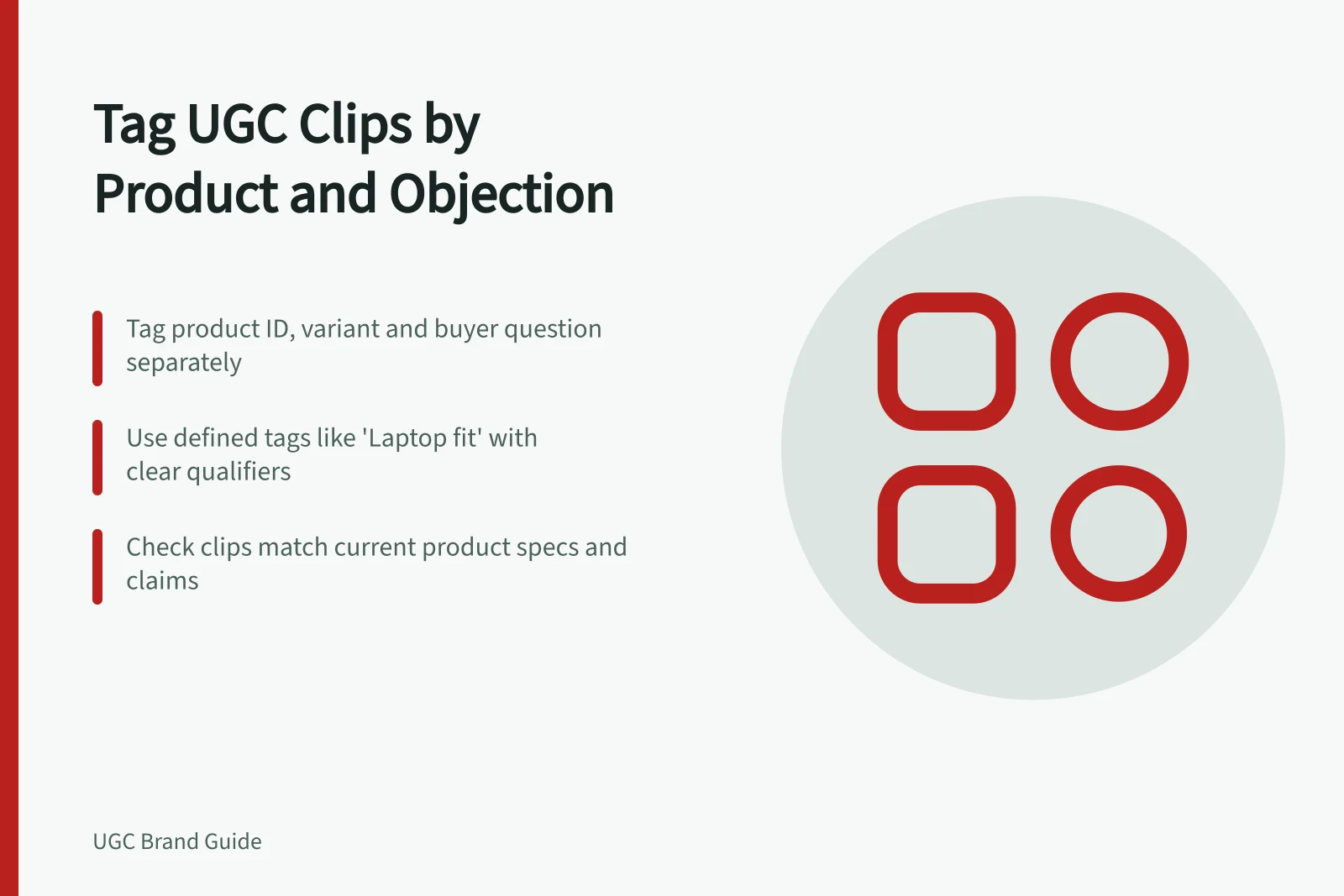
Start with a product ID, filmed variant and buyer-question tag. Match the product ID to the current catalogue identifier where possible. Record colour, size or model separately when the difference matters. Do not tag every variant in a range simply because the spoken line names the range.
Use question labels such as “Will it fit?”, “How does setup work?” or “What is included?” Define each in a shared tag guide. A fit tag may need a qualifier stating what is being fitted: a shelf, a laptop or the wearer.
| Tag field | Illustrative value | Check before applying |
|---|---|---|
| Product | Bag model B, medium | Is this the variant visible in the relevant moment? |
| Buyer question | Laptop fit | Is the laptop identified, and is the placement visible? |
| Supporting moment | Continuous placement action | Does the clip retain the action needed to judge the result? |
| Claim limit | One filmed laptop model | Would the tag otherwise suggest that all laptops fit? |
These are example labels. Apply real tags from the filmed item and verified product information. If a recording shows several variants, tag the relevant time span or separate clip for each.
Tagging Best Practices vs. Common Pitfalls
- Best PracticeUse a defined set of tags: Product ID, filmed variant, buyer question (e.g., 'Laptop fit') with qualifiers.
- Common PitfallTagging every variant in a range just because the speaker mentions the range, leading to misleading claims.
- Best PracticeDefine each buyer-question tag in a shared tag guide (e.g., 'Will it fit?' with context like 'shelf' or 'laptop').
- Common PitfallUsing vague tags like 'fit' without specifying what is being fitted, risking misinterpretation.
Tag the useful moment
A long recording may contain an opening action, a close-up and a comment about comfort. Give the recording a broad description, then mark the time span or extracted clip that answers each question. If the library cannot index time spans, create a related clip record and retain its link to the supplied source footage.
Choose a primary question when one moment answers it best. Add another only when the footage independently supports it. Do not tag a shot that appeared in the brief but was never delivered.
Key UGC Tagging Guidelines
- Product ID match
- Use current catalogue identifier where possible
- Buyer question clarity
- Specify what is being fitted (e.g., 'laptop', 'shelf')
- Clip relevance
- Tag only moments that answer a real buyer question
- Approval status
- Keep search tags separate from editorial approval
Tagging Workflow for UGC Clips
- Identify the useful momentMark time span or extract clip showing key action (e.g., bag opening, laptop placement)
- Assign primary buyer questionChoose one clear question the moment answers best (e.g., 'How does setup work?')
- Add secondary tags only if independent support existsDo not add extra tags just because the clip includes related content
- Verify against product specsEnsure footage reflects current product range; update tags if packaging or features change
Keep search tags separate from approval
A relevant “setup” clip may still await a claim check. Store its editorial status and permission record separately from its topic tags, so a search result does not imply the file is ready to publish.
Review tags when specifications, packaging or the product range change. Footage showing an older accessory should not silently appear as evidence of what a current package includes. If an edit or caption makes a broader claim than the action supports, hold that version for review. Australian social media advertising must not make false or misleading claims.
To check the tagging scheme, search for a real buyer question, inspect a result and identify the exact moment that answers it. If the product variant or a necessary step is unclear, improve the tag or clip record.