Asset Library
Organising a usable UGC asset library
Build a searchable UGC library that connects clips, approved versions and permission records before assets are reused.
A usable UGC library helps a team find footage showing the right product, identify the approved file and check whether the proposed use is permitted. Start with a searchable asset record that connects files and decisions; a folder name alone cannot answer all three questions.
Here, UGC means content commissioned from a creator for a brand. If customer submissions enter the same library, identify them separately.
Give each asset a stable record
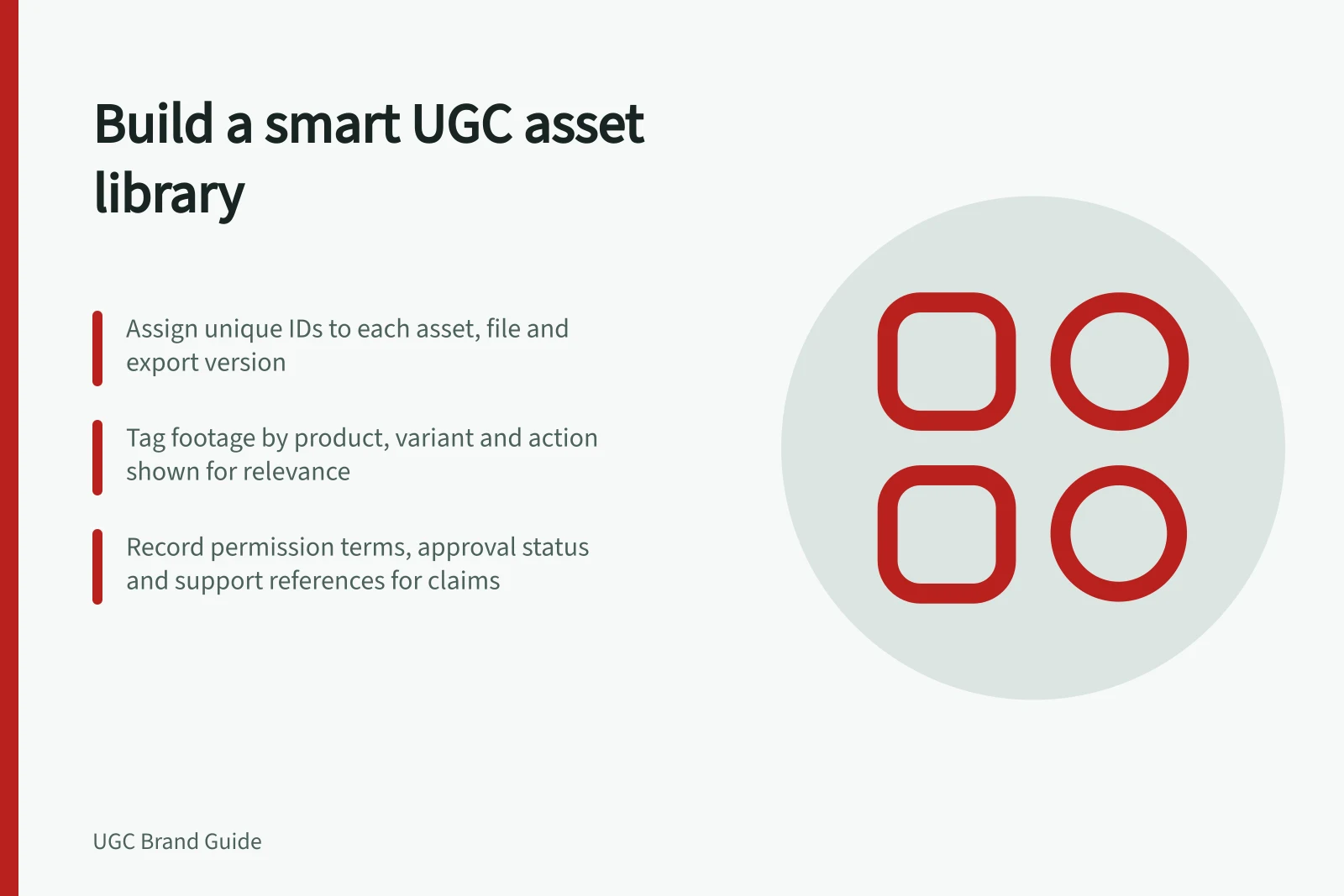
Assign an ID to the commissioned piece and a separate ID to each original recording, working edit and finished export received. Keep the original filename as received, even if the team adds a clearer display name. Record the relationship between each export and its source.
| Field | Question it answers |
|---|---|
| Asset and file IDs | Which piece and exact file is this? |
| Product and variant | What is visible in this file? |
| Content description | Which action or buyer question does it address? |
| File role and source | Is it footage, a working edit or a finished export? What was it made from? |
| Editorial status | Was this exact version approved, superseded or held? |
| Permission reference | Where are the terms for the proposed user, channel, edits, territory and dates? |
| Location and owner | Where is the file, and who can resolve a gap? |
A spreadsheet can hold this record if the team keeps one authoritative copy and can search it reliably. The fields are a practical starting point, not a prescribed industry standard.
Keep relevance, approval and permission separate
Relevance: Tag the product and action the footage actually shows. A clip filmed to answer a size question should not receive that tag if the finished shot gives viewers no way to judge size.
Editorial approval: Record the reviewer, decision date, conditions and exact export. A shorter crop can remove a qualification from an approved long cut, so review the new export on its own. Keep its link to the original footage when that footage was supplied.
Permission: Compare the planned use with the agreement and any separate clearance for embedded material. Delivery and editorial approval do not establish rights for every later use. Mark missing terms as unresolved rather than treating the file as ready to publish.
Relevance, approval, and permission: what they each ensure
- RelevanceTags the actual product and action shown in the footage (e.g., size, opening mechanism)
- Editorial approvalRecords reviewer, decision date, conditions, and exact approved export—must be rechecked if edited
- PermissionConfirms terms cover proposed use (channel, territory, edits, dates); delivery ≠ rights for all uses
Make intake and retrieval repeatable
At intake, compare the delivered files with the order. Identify the filmed variant, record any missing files and connect each export to the source material supplied. Apply tags from the footage, then hold a version for review if its claims conflict with current product information.
When retrieving an asset, begin with the job: for example, footage showing how the small model opens. Filter by product and variant, inspect the relevant moment, then check the exact export, editorial decision and permission for the intended placement. A change in the product, caption or context can call for another review.
A hand-off record can name the asset ID, selected file ID, filmed variant and question answered. It can also name approved use, permission reference and any qualification that must remain with the clip.
Protect personal information in the library
Some commissioned files or their accompanying records may contain personal information. The OAIC says entities covered by the Privacy Act 1988 must take reasonable steps to protect personal information they hold from misuse, interference, loss and unauthorised access, modification or disclosure. Treat the library and its records as part of that security work, not only as a filing system.
The OAIC notes that APP 11.3 specifies that reasonable steps include technical and organisational measures. It applies to information held after 11 December 2024, whether acquired or created before or after that date. Consider the library's technical and organisational controls when deciding how its records and files are managed.
Include a step to destroy or de-identify personal information once it is no longer needed. Do this unless an exception applies.
For example, document who can access the library and how access is managed, as part of its organisational security measures.
Key compliance and security requirements for UGC libraries
- Privacy Act 1988Requires reasonable steps to protect personal information from misuse, interference, loss, or unauthorised access
- APP 11.3Applies to information held after 11 December 2024, regardless of acquisition date
- Data retentionDestroy or de-identify personal information once no longer needed unless an exception applies
Keep support for product claims retrievable
Where a clip or its accompanying copy makes a product claim, add a reference to the information that supports it. Keep that pointer with the relevant asset record so a teammate can retrieve the basis for the claim without relying on someone's memory.
The ACCC can require businesses to back up claims made on social media; a support reference helps the team retrieve the basis before publication or if substantiation is later requested.
The ACCC may investigate and take compliance or enforcement action if a business makes false or misleading claims in social media advertising. It accepts reports about issues affecting businesses, but does not resolve individual disputes about misleading claims. Keep this check distinct from editorial approval: an approved edit alone does not establish that its claims are supported.
Maintain the record
Assign responsibility for updating it when an edit is approved, a product changes or a permission term changes. Preserve earlier versions and their decisions. Surface approaching permission limits for review, and keep files with unresolved use conditions out of the ready-to-publish selection.
A teammate should be able to answer: What does this file show? Which version was approved? Do the recorded terms cover this use now?
In this guide
- Tagging UGC clips by product and customer objectionTag filmed variants and buyer questions so editors can find the UGC moment that supports an answer without overstating it.
- Tracking approved edits and original footageLink UGC originals, working edits and approved exports to the exact decision and conditions for each file.
- Finding expired UGC assets before they are reusedFind UGC whose recorded permission has ended, is unclear or may not cover the next planned use.