Briefs and Shot Lists
Part of Managing recurring UGC production
Scheduling product deliveries before filming dates
Work back from a UGC deadline, confirm the exact product received and reset the shoot when delivery changes.
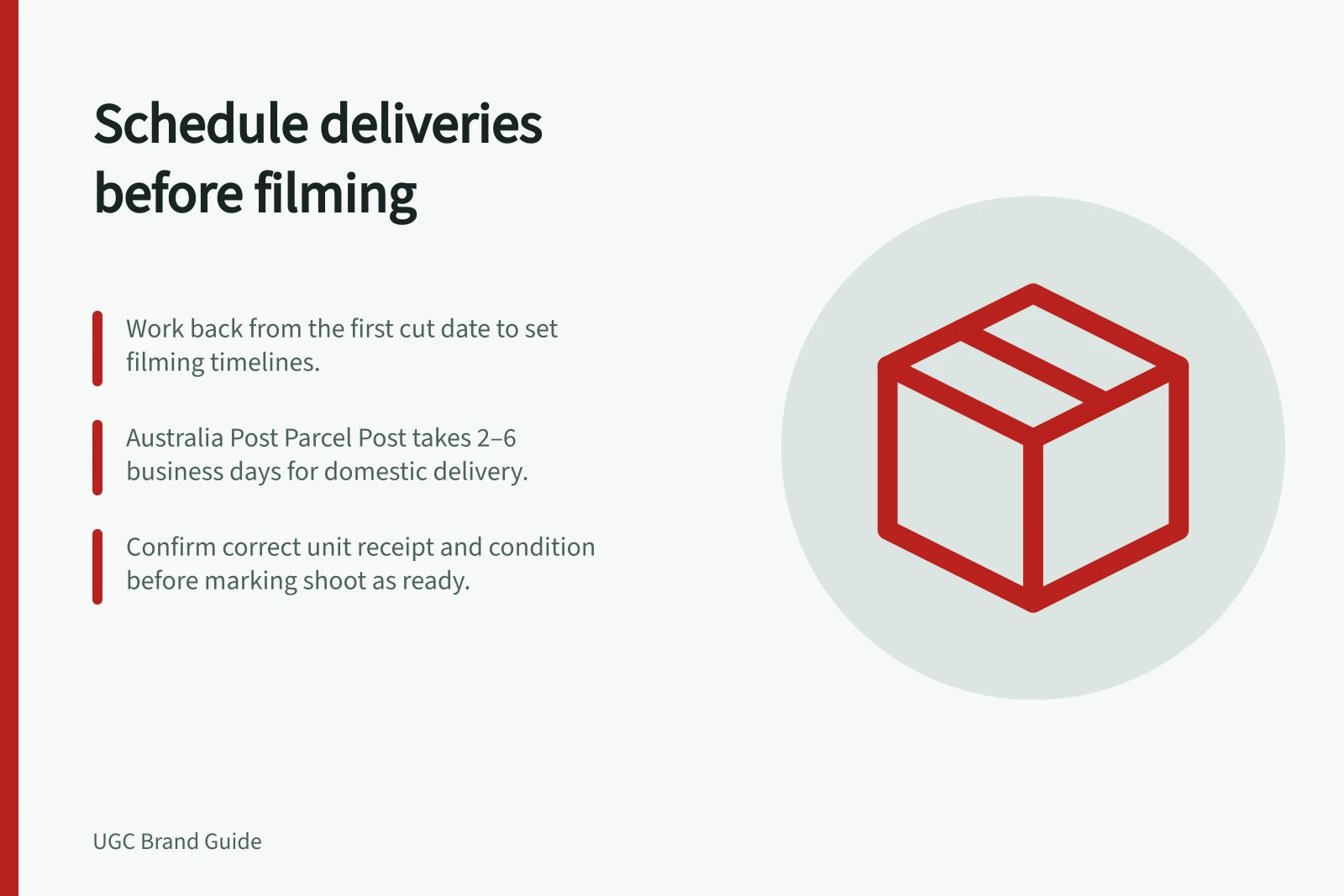
Set a creator's filming date after allowing for product receipt and inspection, not from the day a parcel is booked. Work back from the required first cut. If the correct item cannot be checked in time, change the shoot or the asset plan before committing to the deadline.
Specify the filming unit
Before dispatch, list the model, colour, size, packaging version and accessories the concept needs. Note whether an unboxing scene requires an intact retail pack or an opened unit will do. The dispatch owner should check the physical unit against the brief; tracking cannot show which variant was packed.
Ask the creator to confirm the variant, contents and condition on receipt and flag a mismatch before filming. A damaged pack may be usable for a handling demonstration but unsuitable for an unboxing scene, depending on the agreed concept.
Build the dates backwards
Start with the date the approved asset is needed. Allow time for the first cut, brand feedback, any agreed correction and final review. The remaining window must cover packing, transit, receipt inspection and filming. If it does not, revise the deadline or scope.
| Event | Who confirms it | What follows |
|---|---|---|
| Correct unit packed | Brand dispatch owner | Parcel can be sent |
| Parcel lodged | Sender | Tracking can begin |
| Unit received and checked | Creator | Filming window can be confirmed |
| Shoot completed | Creator | First-cut date can be confirmed |
Australia Post says its Parcel Post service covers all addresses within Australia and generally takes 2–6 business days. Tracking can inform a schedule, but an estimated arrival is different from the creator's confirmation that the item is usable.
Australia Post Parcel Post Transit Times
- Delivery coverage
- All addresses within Australia
- Typical transit time
- 2–6 business days
- Tracking status
- Indicates lodgement, not receipt or usability
Respond to a late or wrong unit
Agree who monitors the parcel and when the creator should report non-arrival. If it is late, establish what the creator has actually received and whether any approved work can proceed. Do not substitute footage of another model while presenting it as the intended product.
For a wrong or faulty unit, choose a replacement shipment, revised filming window or different approved concept. Record the chosen unit and new dates. The ACCC can require businesses to back up claims they make about their products or services.
A spare unit can reduce a delay only if the brand has the correct stock and can dispatch it. Record its location and variant before relying on it.
Release the shoot
Mark the shoot ready when the creator has acknowledged the correct unit and accessories, current brief and filming window. Keep that confirmation with the batch record. If receipt changes the agreed start condition, revise first-cut and review dates under the booking terms.