Briefs and Shot Lists
Part of Product demonstrations in UGC videos
Demonstrating a product limitation honestly
Show a product limitation where it affects the buying decision, then explain the condition in ordinary language.
Show a product limitation where it affects the buying decision, then explain the condition in plain language. The limitation need not dominate the video, but hiding it behind an upbeat claim can leave viewers with the wrong expectation.
Name the boundary precisely
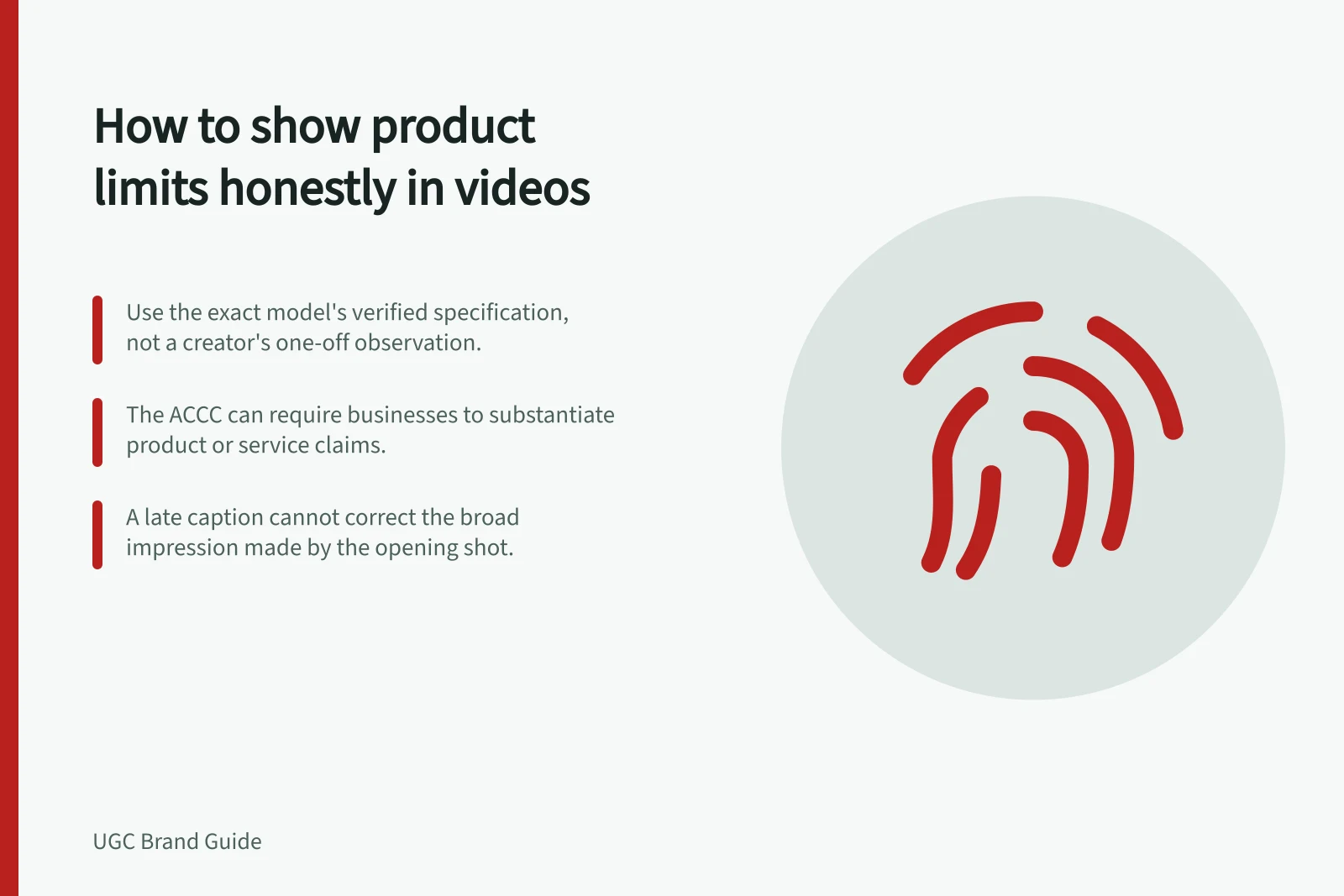
“Water resistant” may depend on depth and conditions; “fits most desks” depends on dimensions. Use the manufacturer's verified specification and the exact model being filmed.
If the product team cannot substantiate a performance boundary, do not turn a creator's one-off observation into a universal claim. The ACCC can require businesses to back up claims they make about their products or services.
Find a visual that makes the boundary understandable. A compact lamp might illuminate a small work area but not a whole room.
Show the actual coverage under ordinary filming conditions, then state the tested or specified use case if verified. Do not change exposure or lighting between shots so the result appears stronger than it is.
Honest limitation workflow
- Identify the decision-relevant limitation
- Check the manufacturer's verified specification for the exact model
- Show the boundary under ordinary filming conditions
- State the benefit and the qualification together
- Review the edit for implied claims
Keep the benefit and qualification together
If a video says an item is portable, mention that it needs a mains outlet if that matters to the context shown. If it requires assembly, include that step before calling it ready to use.
A small caption at the end cannot reliably correct a broad impression made by the opening shot.
Ask the creator to speak from their actual use. “This worked on my desk” is different from “It works in every room”.
The ACCC's influencer sweep found concerns about potentially misleading advertising, including inadequate or hard-to-notice disclosures of brand relationships. A limitation can be framed as a decision aid: who is this product suitable for, and who may need another option?
Creator observation vs universal claim
- Creator's actual use
- “This worked on my desk”
- Overbroad claim
- “It works in every room”
Review the edit for implied claims
Watch without sound and ask what the footage alone implies. Then listen without video and compare.
Crops, fast cuts and before-and-after sequences can create claims not stated in the script. Check whether the limitation remains visible in shorter versions or paid cuts.
Keep a claim sheet with the evidence, approved wording and the shot that supports it. If a product changes, revisit the video before reuse.
Edit review checklist for implied claims
- Watch without sound and note what the footage alone implies
- Listen without video and compare the audio claims
- Check crops, fast cuts and before-and-after sequences for implied claims
- Confirm the limitation remains visible in shorter versions or paid cuts
- Keep a claim sheet with evidence, approved wording and the supporting shot
- Revisit the video if the product changes before reuse