Briefs and Shot Lists
Briefing a creator on claims they must not make
Prepare a practical claim-boundary sheet for UGC creators, covering unsupported promises, conditional facts, genuine experience and final-cut review.
Before filming, give the creator a short claim-boundary sheet. List claims the brand cannot support, explain the narrower point it can show, and name whom to ask when the product behaves differently from the brief. Apply the same boundaries to speech, captions, overlays and images.
Separate blocked, conditional and personal claims
| Category | Briefing instruction | Hypothetical example |
|---|---|---|
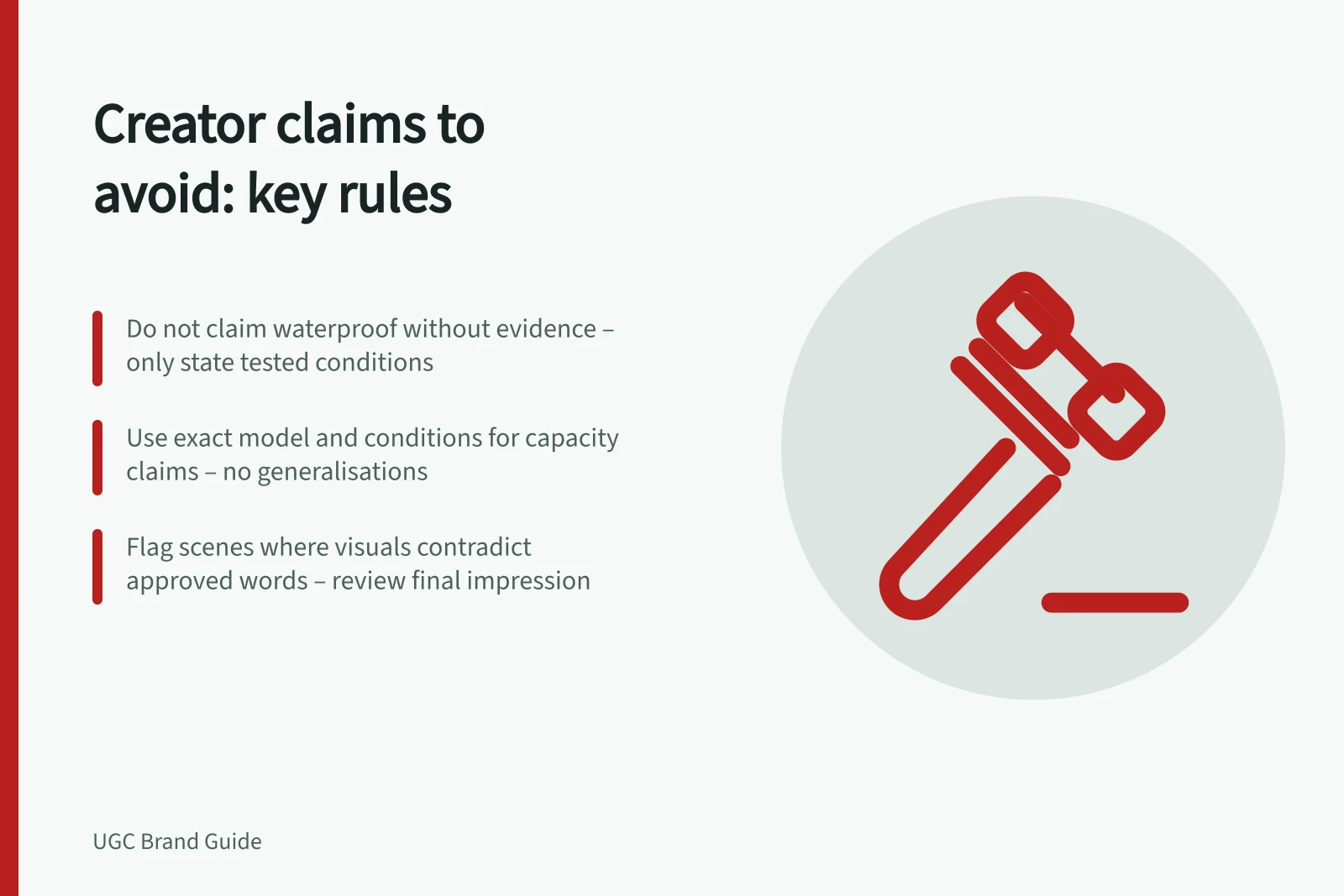
| Do not say or imply | Block a statement the brand cannot substantiate or that would give the wrong impression | Do not call a storage case waterproof without evidence for that claim |
| Say only with a condition | Keep the verified limit beside the claim | Name the exact model and conditions for an approved capacity claim |
| Creator’s own experience | Let the creator report only what they actually did or felt | They may describe first use; they should not claim months of use after one session |
For a real campaign, the brand must supply current specifications, substantiation and approved conditions. “Do not say” is not a request to hide a genuine limitation. If a limitation affects the buying decision, plan how to state it accurately.
Make each boundary actionable
Pair a blocked line with the reason and an acceptable task. Instead of “Never say easy”, try: “Do not claim everyone can assemble this quickly. Show the actual setup steps and describe what you did.”
If a benefit is verified only for a particular variant or use, identify that variant or use in the same row. Supply the current manual or approved product facts, and mark unresolved claims as unavailable for use.
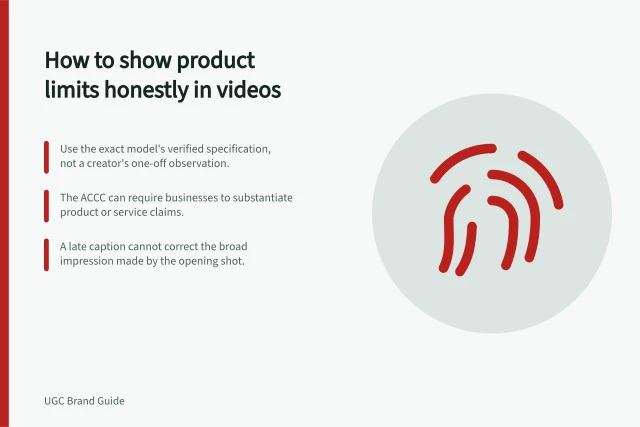
Cover implied claims too. A jump cut that removes a required wait can imply an instant result even if nobody says “instant”. A crop can hide an accessory while a caption says “ready to use”.
Ask the creator to flag any scene where the picture and approved words would tell different stories. Review the final impression, not just the transcript for banned phrases.
Actionable Claim-Boundary Checklist for Creators
- Do not claim 'easy' assembly without showing actual stepsShow the actual setup steps and describe what you did
- If a benefit is limited to a variant, identify it explicitlyUse current manual or approved product facts
- Flag scenes where visuals and text conflictReview final impression, not just transcript
Keep experience and commercial context clear
Do not script a first-person endorsement before the creator has tried the product. If they report a mixed experience, do not remove a material qualification while keeping the praise.
For a review or creator post, make the paid or gifted arrangement clear to viewers in the actual placement. A brand upload and a creator post may need different presentation, so settle the wording and format before publication. Do not label commissioned content as an independent customer review.
Give the creator a way to resolve discrepancies
Put a contact and expected response time on the sheet. Ask the creator to pause a disputed line if the product, packaging or instructions differ from the brief. The brand can then confirm a narrower claim, change the scene or remove the point. The creator should not have to improvise a technical, safety or performance promise.
Before approving the asset, compare each boundary with the spoken take, on-screen text, captions, thumbnail and edited sequence. Check that a qualification remains beside the claim it limits. Review a later short cut again if it removes that context. Keep the approved wording and its supporting product evidence with the asset so the boundary survives future edits.