Licensing
Part of UGC licensing and reuse permissions
Renewing a UGC licence before an ad is relaunched
Check dates, channels, versions, platform authorisation and third-party rights before a previously approved UGC ad runs again.
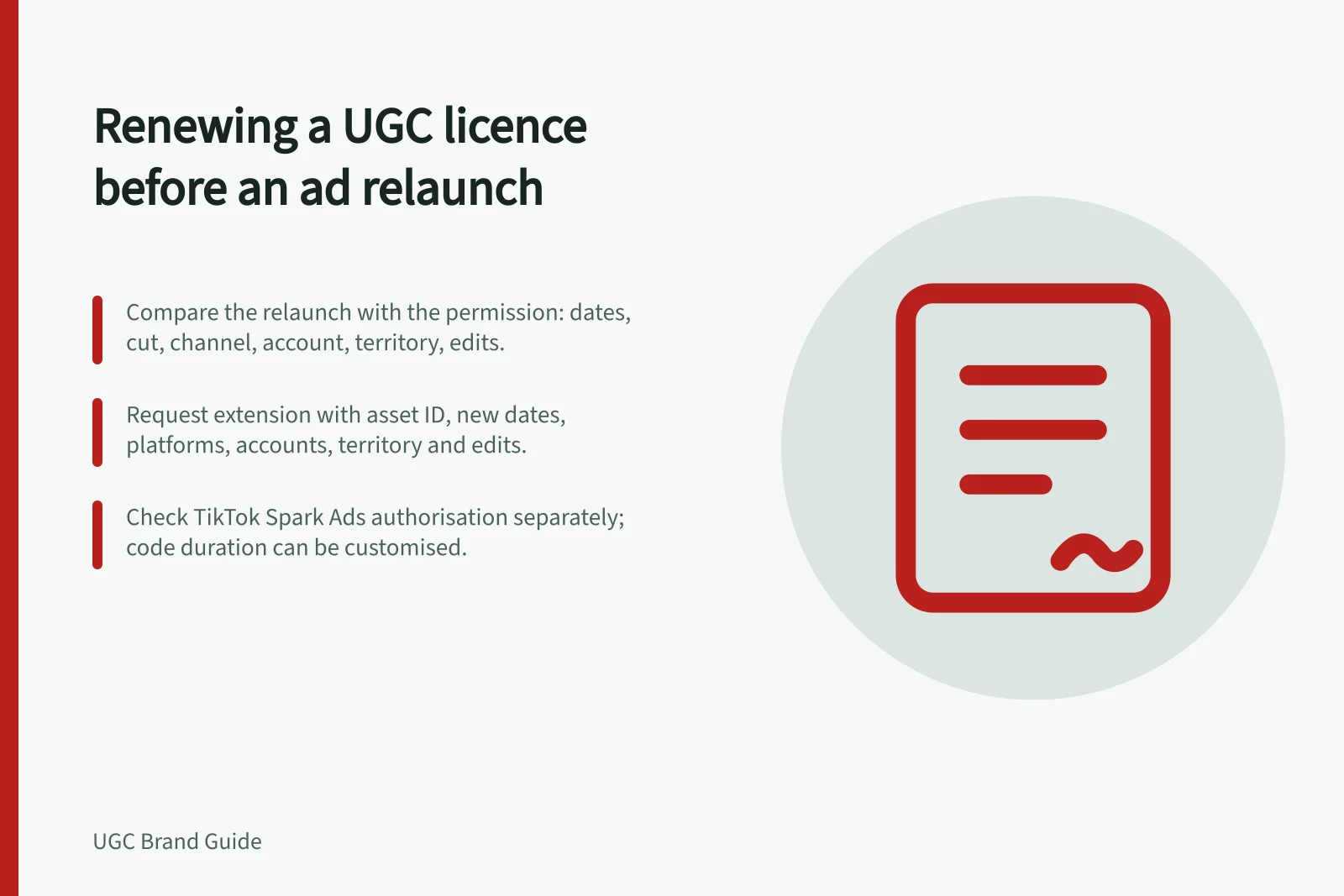
Before relaunching a UGC ad, compare the new campaign with the permission on record. Check the dates, exact cut, paid channel, account, territory and edits. If the grant does not cover the proposed use, agree on an extension before the ad runs.
Compare the old and new campaigns
Retrieve the creator agreement, amendments, approved ad file and third-party clearance records. An asset-library label such as “approved” does not show which campaign or version was approved.
| Check | Original permission | Proposed relaunch |
|---|---|---|
| Asset | Named cut and permitted edits | File and any new changes |
| Placement | Platforms and accounts | Planned platforms and accounts |
| Time | Term and any continuing display | New delivery dates |
| Reach | Territory and authorised users | New countries, agency or retailer |
| Embedded material | Music and artwork terms | Rights for the new use |
A licence permits use on agreed terms. The signed agreement remains the record to read.
Compare the original permission with the proposed relaunch
- Asset
- Original: named cut and permitted edits. Proposed: file and any new changes.
- Placement
- Original: platforms and accounts. Proposed: planned platforms and accounts.
- Time
- Original: term and any continuing display. Proposed: new delivery dates.
- Reach
- Original: territory and authorised users. Proposed: new countries, agency or retailer.
- Embedded material
- Original: music and artwork terms. Proposed: rights for the new use.
Request the extension precisely
Send the rights holder the asset identifier, agreement reference, new dates, platforms, accounts, territory and edits. Distinguish new paid delivery from continued display of an existing post; the agreement may treat them differently. Confirm any changed fee or approval condition. Keep the accepted amendment with the original record.
Check platform authorisation separately if the ad promotes a creator post. TikTok says Spark Ads can use another creator's organic post with authorisation and permits a customised authorisation-code duration. A renewed commercial licence does not itself renew that platform step.
Music and artwork may also have different terms from the creator's video rights. Check each permission for the new dates, channels and territory. Extending only the creator's grant does not extend rights held by someone else.
Request a licence extension precisely
- Send the rights holder the asset identifier and agreement reference.
- Set out the new dates, platforms, accounts and territory.
- List any edits to be made to the cut.
- Distinguish new paid delivery from continued display of an existing post.
- Confirm any changed fee or approval condition.
- Check platform authorisation separately if the ad promotes a creator post.
- Check music and artwork permissions for the new dates, channels and territory.
- Keep the accepted amendment with the original record.
Review the ad that will run
A new cut, caption, product page, price or product variant can change the ad's impression. The ACCC says social media claims must be accurate and supportable.
Recheck the final creative against current product facts, then store the approved file, permission amendment, platform authorisation and claim review together. Set a reminder before the new term ends. If the required rights remain unclear, delay that relaunch or choose a cleared asset.
Pre-relaunch checks for the ad creative
- Recheck the final creative against current product facts.
- Confirm social media claims are accurate and supportable.
- Store the approved file with the permission amendment, platform authorisation and claim review.
- Set a reminder before the new term ends.
- If the required rights remain unclear, delay that relaunch or choose a cleared asset.